Last updated: 1 January 2026
1. Acceptance of Terms
By accessing or using FinanceKit at financekit.online, you confirm that you have read, understood, and agree to be bound by these Terms of Use and our Privacy Policy. If you do not agree to these terms in their entirety, you must not access or use this website. These Terms constitute a legally binding agreement between you and FinanceKit.
2. Description of Service
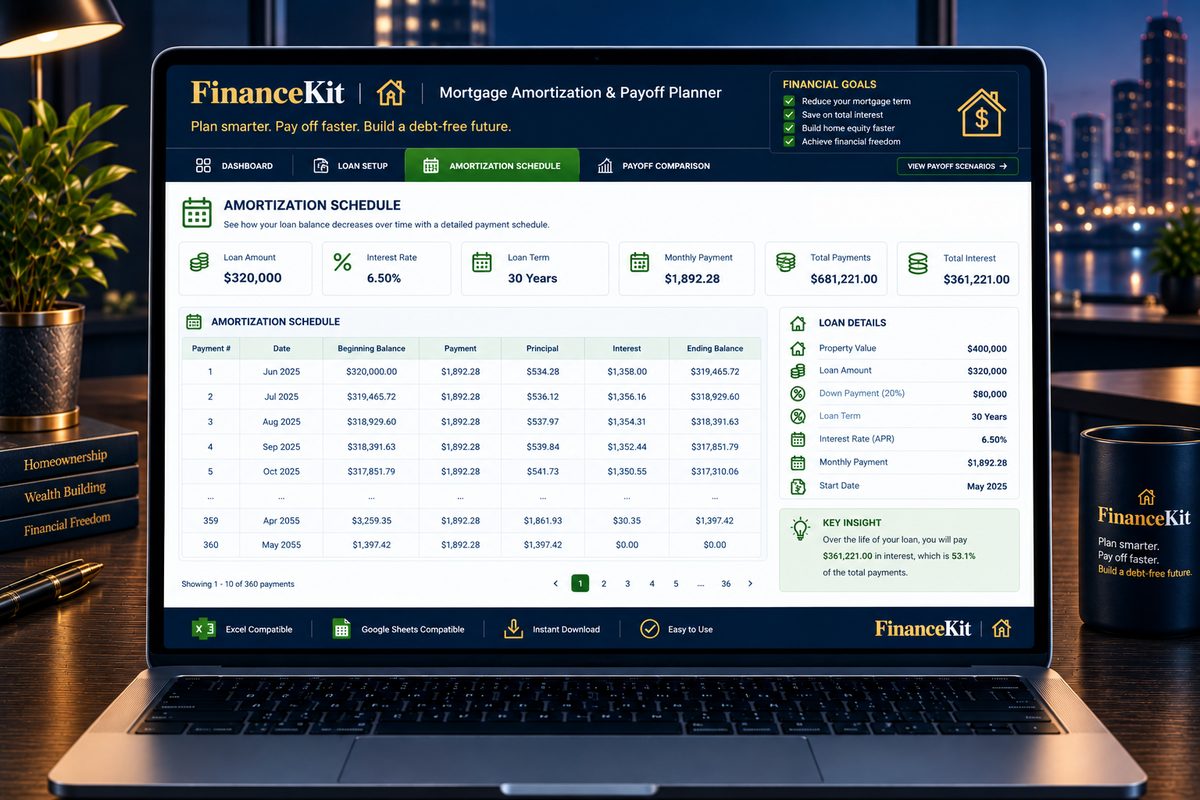
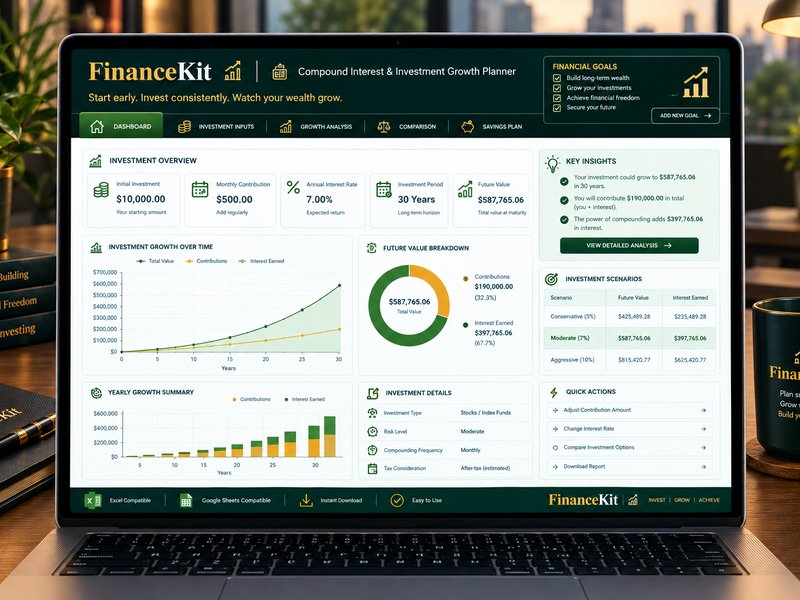
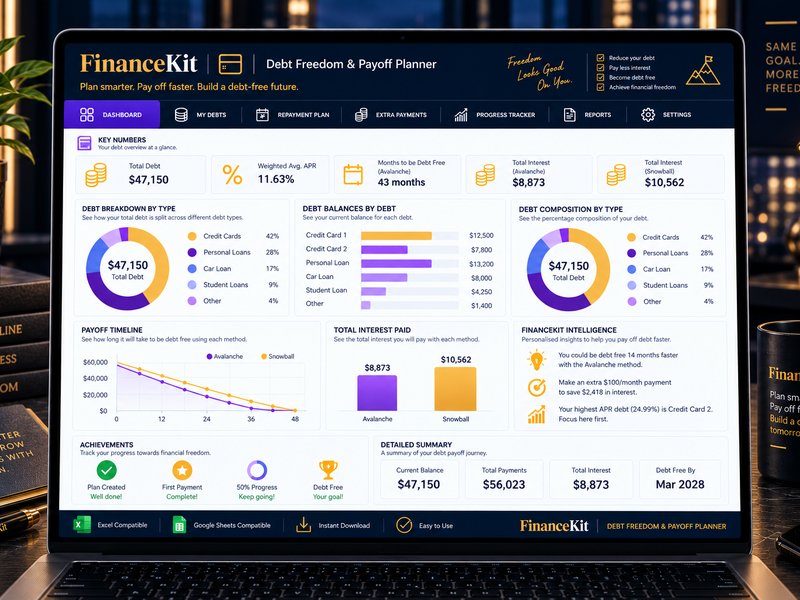
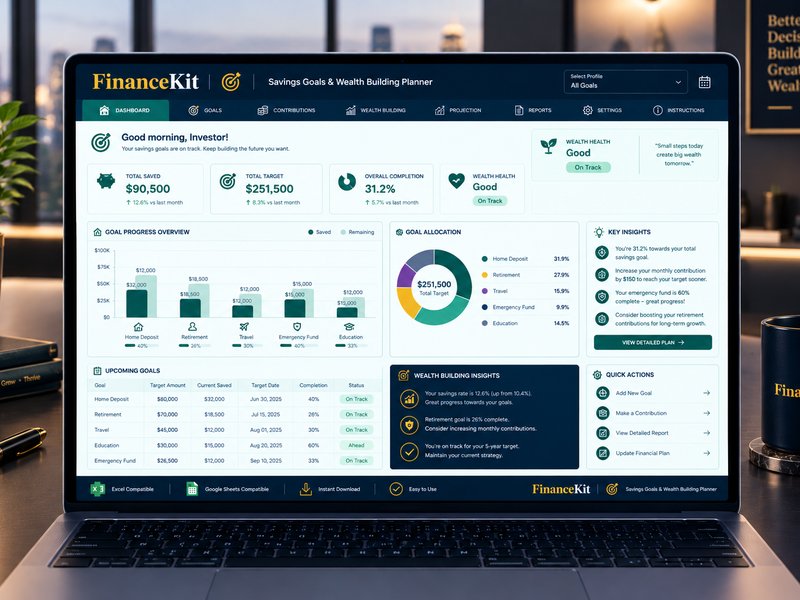
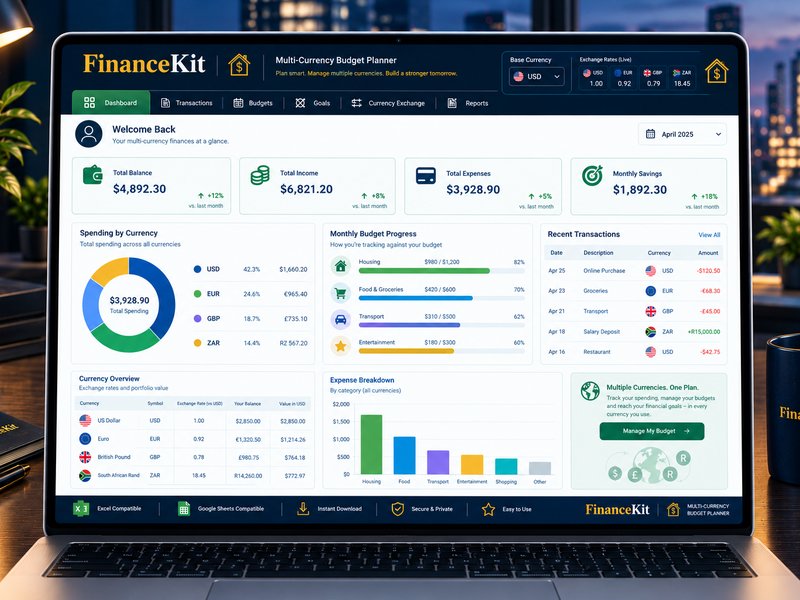
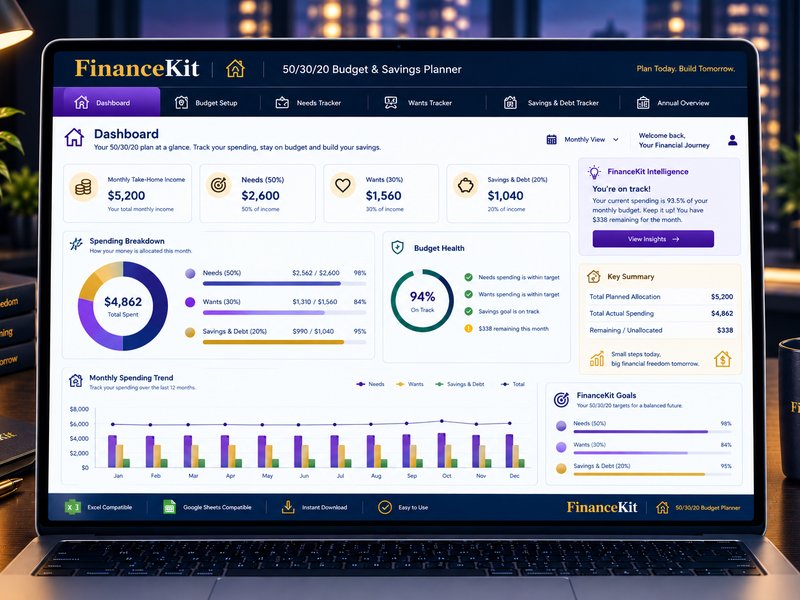
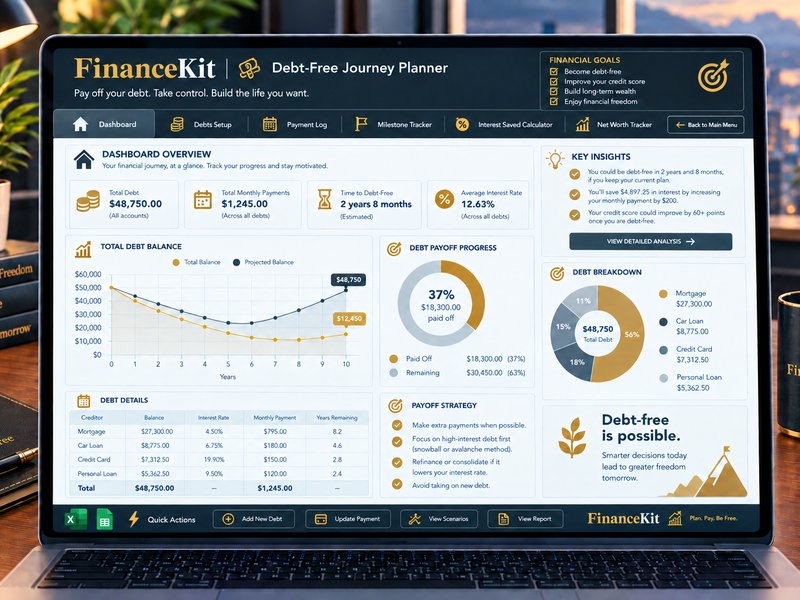
FinanceKit provides free online financial calculators for informational and educational purposes. Our calculators include tools for mortgage calculation, compound interest projection, return on investment analysis, debt payoff planning, savings goal planning, currency conversion, budget planning, and retirement planning. All calculations are performed locally within your browser and are provided as estimates only.
3. Permitted Use
Subject to these Terms, we grant you a limited, non-exclusive, non-transferable, revocable licence to access and use the Site for personal, non-commercial purposes. You may use all calculators freely, share links to any page, and print or save calculator results for personal reference.
4. Prohibited Activities
You must not: reproduce, copy, or commercially exploit any content or code without our written consent; use automated tools to scrape data from the Site; attempt to gain unauthorised access to any part of the Site; interfere with the Site's performance or servers; transmit malware or harmful code; use the Site in violation of applicable laws; misrepresent your identity; or frame or mirror any part of the Site without our prior written permission.
5. Intellectual Property
All content on FinanceKit, including text, graphics, calculator designs, user interfaces, and code, is the intellectual property of FinanceKit or its licensors and is protected by applicable copyright, trademark, and intellectual property laws. Nothing in these Terms grants you any right to use our intellectual property except as expressly stated herein.
6. No Financial Advice
The calculators and content on FinanceKit are for general informational and educational purposes only. Nothing on this Site constitutes financial, investment, tax, legal, or accounting advice of any kind. Calculator results are mathematical estimates based solely on your inputs. Before making any financial decision, consult with a qualified, licensed financial adviser who can assess your individual circumstances.
7. Accuracy and Availability
While we strive to ensure accurate formulas, we make no representations or warranties regarding the accuracy, completeness, or suitability of any calculation result. Currency exchange rates shown are reference rates for comparison only and may not reflect current market rates. The Site is provided on an "as is" and "as available" basis. We do not guarantee uninterrupted or error-free access.
8. Disclaimer of Warranties
To the fullest extent permitted by applicable law, FinanceKit expressly disclaims all warranties of any kind, whether express or implied, including but not limited to implied warranties of merchantability, fitness for a particular purpose, accuracy, and non-infringement.
9. Limitation of Liability
To the fullest extent permitted by applicable law, FinanceKit, its owners, directors, employees, partners, agents, and affiliates shall not be liable for any direct, indirect, incidental, special, consequential, punitive, or exemplary damages arising out of or in connection with your access to, use of, or reliance on this Site or its content, including but not limited to financial losses, loss of data, or loss of profits.
10. Indemnification
You agree to indemnify, defend, and hold harmless FinanceKit and its owners, officers, employees, and agents from and against any claims, liabilities, damages, losses, costs, or expenses (including reasonable legal fees) arising out of or in connection with your use of the Site or your violation of these Terms.
11. Third-Party Links
The Site may contain links to third-party websites for your convenience. We have no control over the content of linked sites and do not endorse or take responsibility for them. Accessing any external link is at your own risk.
12. Advertising
FinanceKit displays third-party advertisements through Google AdSense. The presence of any advertisement does not constitute our endorsement of the advertised product, service, or company. We are not responsible for the accuracy or content of any advertisement.
13. Governing Law
These Terms shall be governed by and construed in accordance with applicable laws. Any dispute arising under or in connection with these Terms shall be subject to the exclusive jurisdiction of the relevant courts. If any provision of these Terms is found to be unenforceable, the remaining provisions will continue in full force and effect.
14. Severability
If any provision of these Terms is held to be invalid or unenforceable, it shall be modified to the minimum extent necessary to make it enforceable, or severed if modification is not possible. The remaining provisions shall continue in full force and effect.
15. Changes to These Terms
We reserve the right to modify these Terms at any time. Changes are effective immediately upon posting. Continued use of FinanceKit after changes are posted constitutes your acceptance of the revised Terms.
16. Contact
For any questions regarding these Terms of Use, contact us at: hello@financekit.online